Accounts
Track account names, balances, and everyday finance records in one workspace.
Your money, organized. All in one private iOS dashboard.
Track accounts, income, expenses, budgets, subscriptions, and savings goals from a focused app built for everyday money decisions.
Data stays on your device. iCloud sync is optional when enabled through Apple platform services.
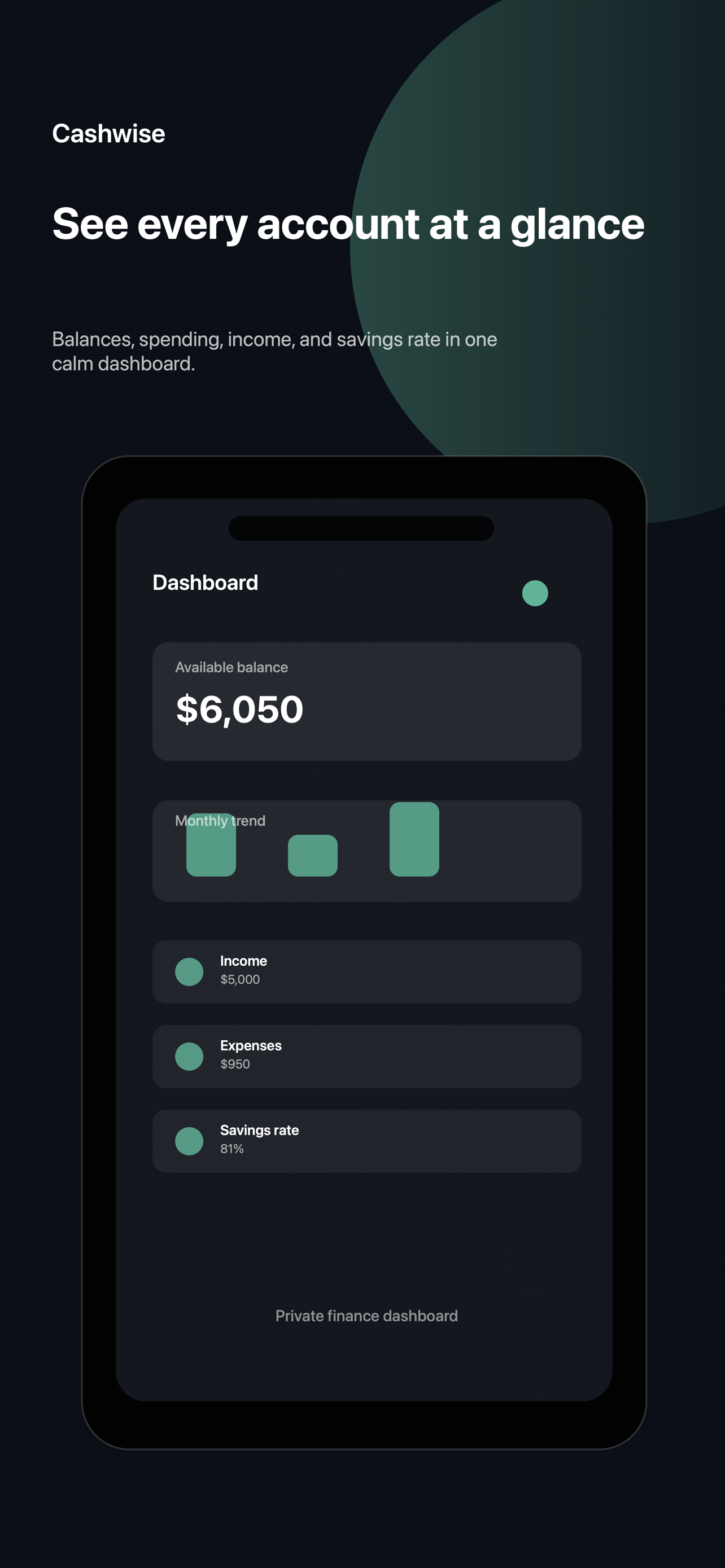
Budget categories, recent transactions, and monthly summaries stay visible.
Verified from the app release materials and iOS feature set.
Track account names, balances, and everyday finance records in one workspace.
Review monthly cash flow, recent transactions, category spend, and savings rate.
Set category limits and monitor progress toward spending thresholds.
Keep recurring commitments visible alongside the rest of your monthly money picture.
Track target amounts and progress for goals you want to keep front of mind.
Use camera or photo access only when you choose to scan or import a receipt image.
Enable optional reminders for budgets, subscriptions, and savings goals.
See quick finance snapshots from Cashwise Budget widgets on iOS.
Real release screenshots from the iOS App Store asset set.
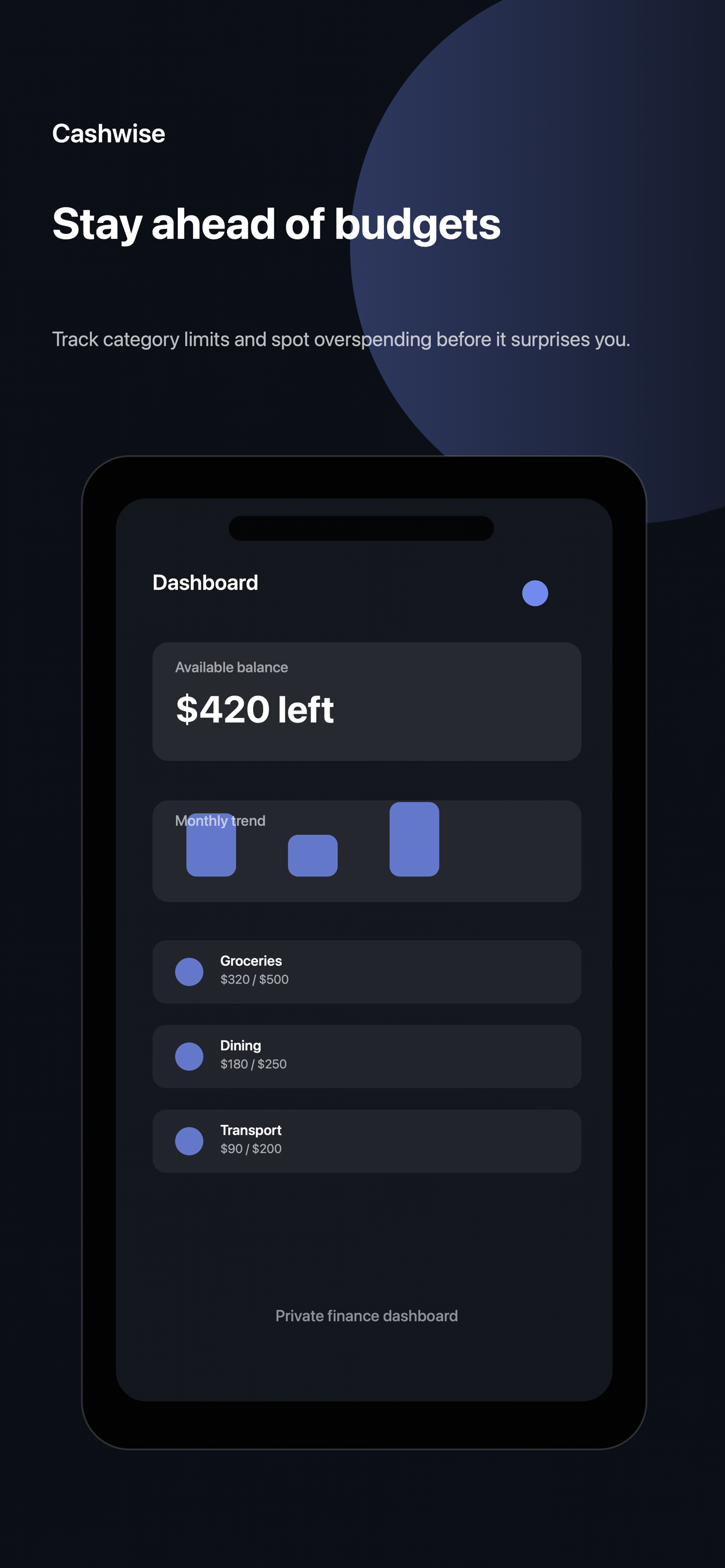
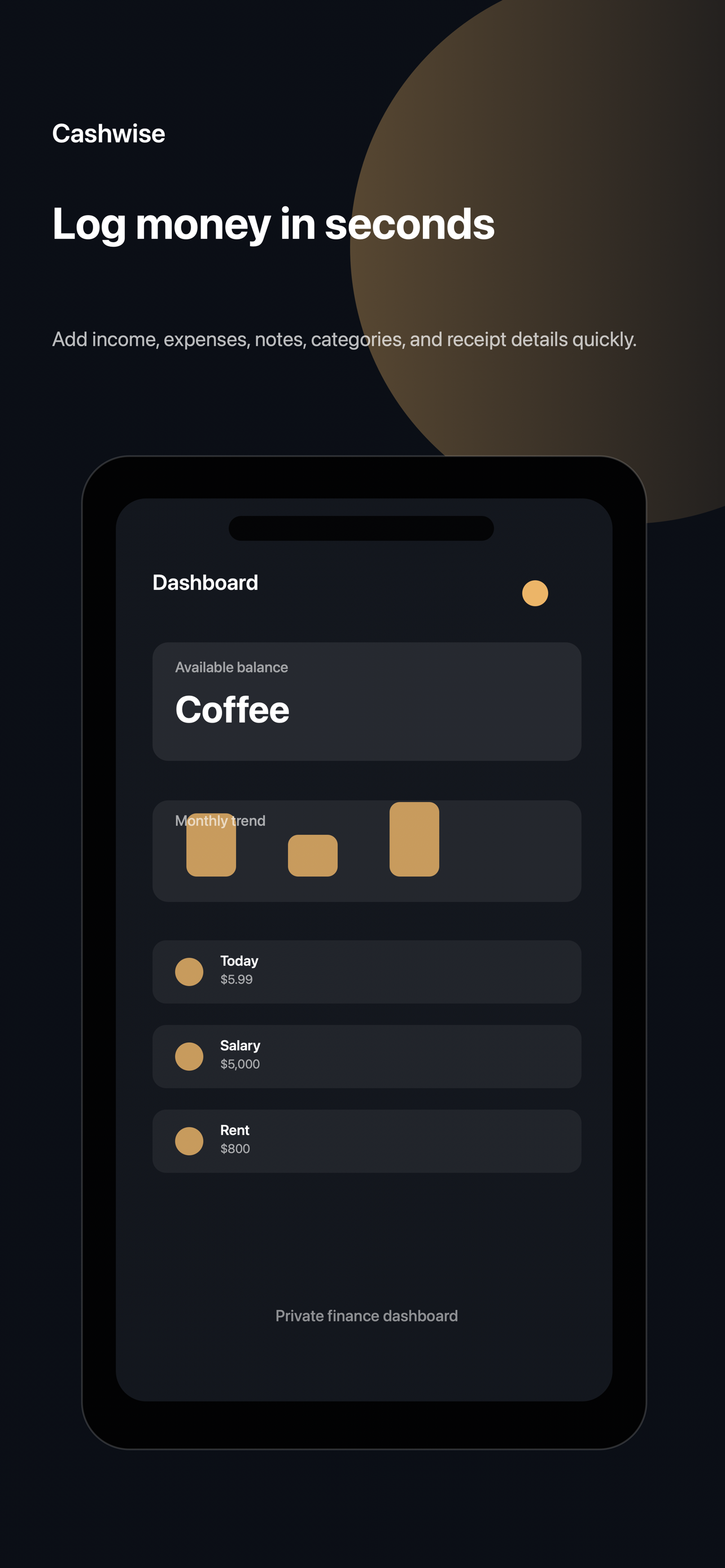
No third-party banking connection is claimed here. These are the verified platform surfaces from the app materials.
Cashwise Budget stores app data on your device. If iCloud sync is enabled and available, data may sync through your private iCloud account using Apple CloudKit.
Camera or photo access is used only when you choose receipt scanning or image import. Notifications and biometric unlock are optional iOS permissions.
Home Screen widgets and optional reminders help keep balances, budgets, subscriptions, and goals visible.
Cashwise Budget is designed for private personal finance tracking. It does not use third-party advertising tracking, does not sell your data, and does not use the IDFA advertising identifier.
The App Store privacy policy source currently used for submission is the GitHub Pages policy linked below. This site also includes a mirrored policy page at /privacy.html.
Download Cashwise Budget on the App Store when the public listing URL is available.